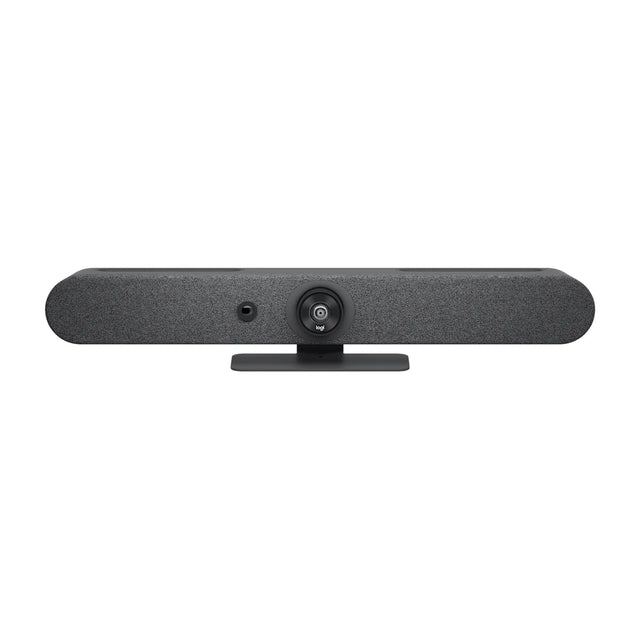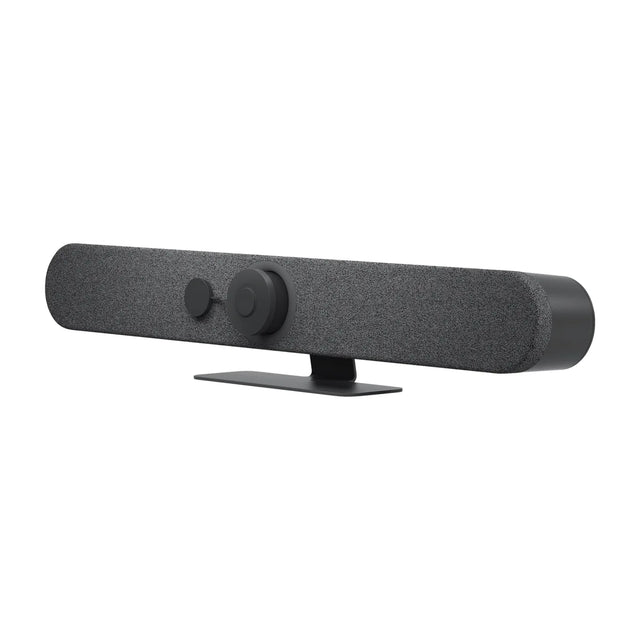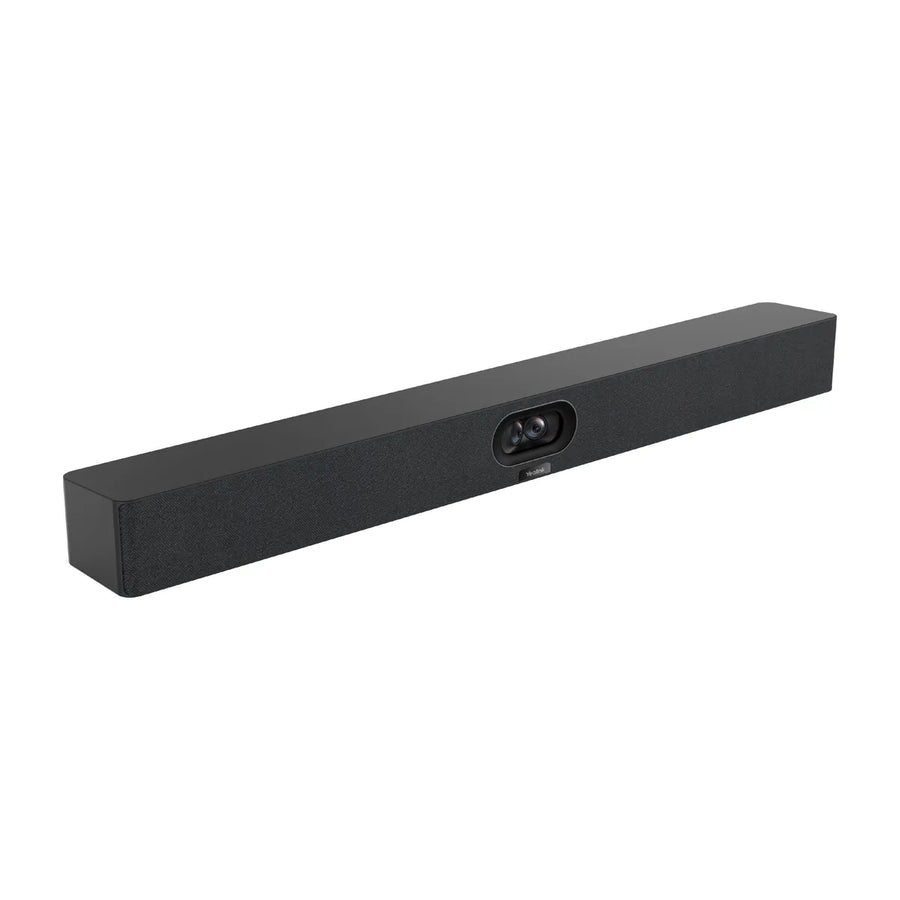
What you need to run Microsoft Teams Rooms in small rooms (4–6 people): the video system, audio, controller, display and license, with the models that fit.

The short list
| Item | What fits |
|---|---|
| All-in-one (no PC) | Yealink MeetingBar A40, Logitech Rally Bar Mini, Poly Studio X52 |
| USB camera or bar | Poly Studio R30, Logitech MeetUp 2, Jabra PanaCast 50 (add a room PC) |
| Room PC (for USB options) | Logitech RoomMate, Lenovo ThinkSmart Core Gen 2 |
| Extra audio | Yealink VCM36-W Wireless Microphone |
| Controller | Cisco Room Navigator (Table), Cisco Room Navigator (Wall), Poly TC8 Touch Controller |
| Scheduling panel (optional) | Logitech Tap Scheduler, Yealink RoomPanel E2 |
| Display | 55–65 inch |
| License | Teams Rooms Basic or Pro per room |
All-in-one options (no PC)
These run Microsoft Teams Rooms on the device itself.
| Model | Type | Mode | Price |
|---|---|---|---|
| Yealink MeetingBar A40 | video bar | Appliance + USB | $2,349 |
| Logitech Rally Bar Mini | video bar | Appliance + USB | $3,124 |
| Poly Studio X52 | video bar | Appliance + USB | $3,748 |
| Neat Bar Generation 2 | video bar | Appliance + USB | $4,790 |
| Poly Studio X32 | video bar | Appliance + USB | $1,706 |
| Yealink MeetingBar A30 | video bar | Appliance + USB | $1,909 |
| Jabra PanaCast 40 VBS | video bar | Appliance + USB | $2,015 |
| Logitech Rally Bar Huddle | video bar | Appliance + USB | $2,299 |
USB options (add a Teams Rooms PC)
These connect over USB, so the room needs a certified Teams Rooms PC such as the Logitech RoomMate or Lenovo ThinkSmart Core Gen 2 to run Microsoft Teams Rooms.
| Model | Type | Mode | Price |
|---|---|---|---|
| Poly Studio R30 | video bar | USB | $475 |
| Logitech MeetUp 2 | video bar | USB | $1,124 |
| Jabra PanaCast 50 | video bar | USB | $1,164 |
| Logitech MeetUp | video bar | USB | $634 |
| AVer VB150 | video bar | USB | $1,000 |
| Yealink SmartVision 40 | video bar | USB | $1,191 |
| Poly Studio USB | video bar | USB | $1,409 |
| Poly Studio V12 | video bar | USB | $1,486 |
Audio
Most video bars cover this room size on their own; don't add a second speakerphone next to a bar, because two echo-cancelling devices in one room cause echo. For the far end of a long table, add an expansion mic made for your bar: Yealink VCM36-W Wireless Microphone.
Setup in brief
Create a resource account for the room, assign a Teams Rooms license, sign the device in during setup, then manage it from the Teams admin center (or Teams Rooms Pro Management with a Pro license). Full details: Microsoft Teams Rooms · Small room setup
Want a parts list for your exact room? Get a free room plan.
Related guides
- Microsoft Teams Rooms for medium rooms: equipment and setup
- Zoom Rooms for small rooms: equipment and setup
- Google Meet for small rooms: equipment and setup
- Zoom Rooms for medium rooms: equipment and setup
- Microsoft Teams Rooms for boardrooms: equipment and setup
- Microsoft Teams Rooms for huddle rooms: equipment and setup
Outfitting several rooms, or reselling? Get a volume quote or apply for wholesale pricing →