What you need to run Zoom Rooms in medium rooms (6–10 people): the video system, audio, controller, display and license, with the models that fit.

The short list
| Item | What fits |
|---|---|
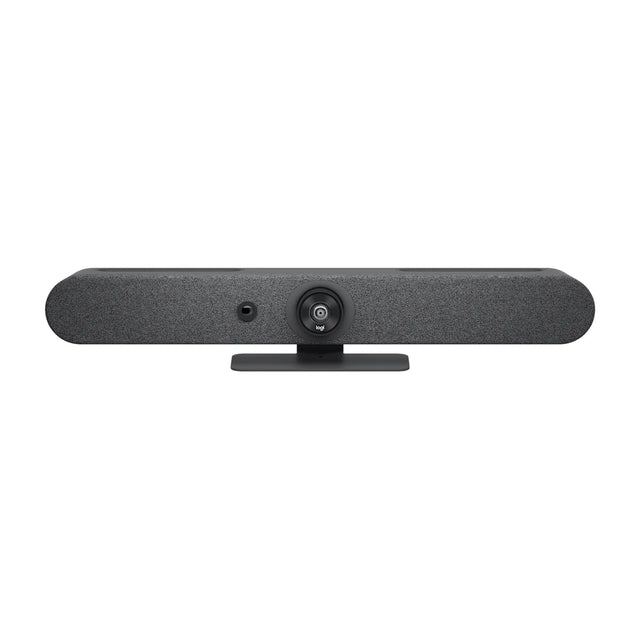
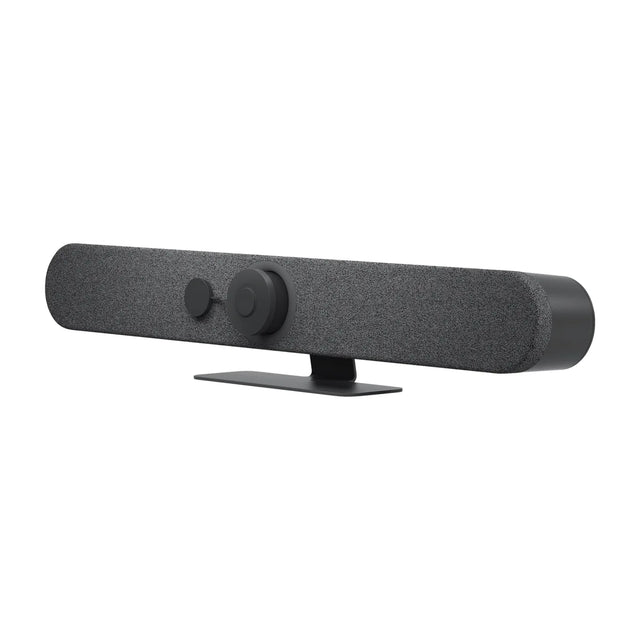
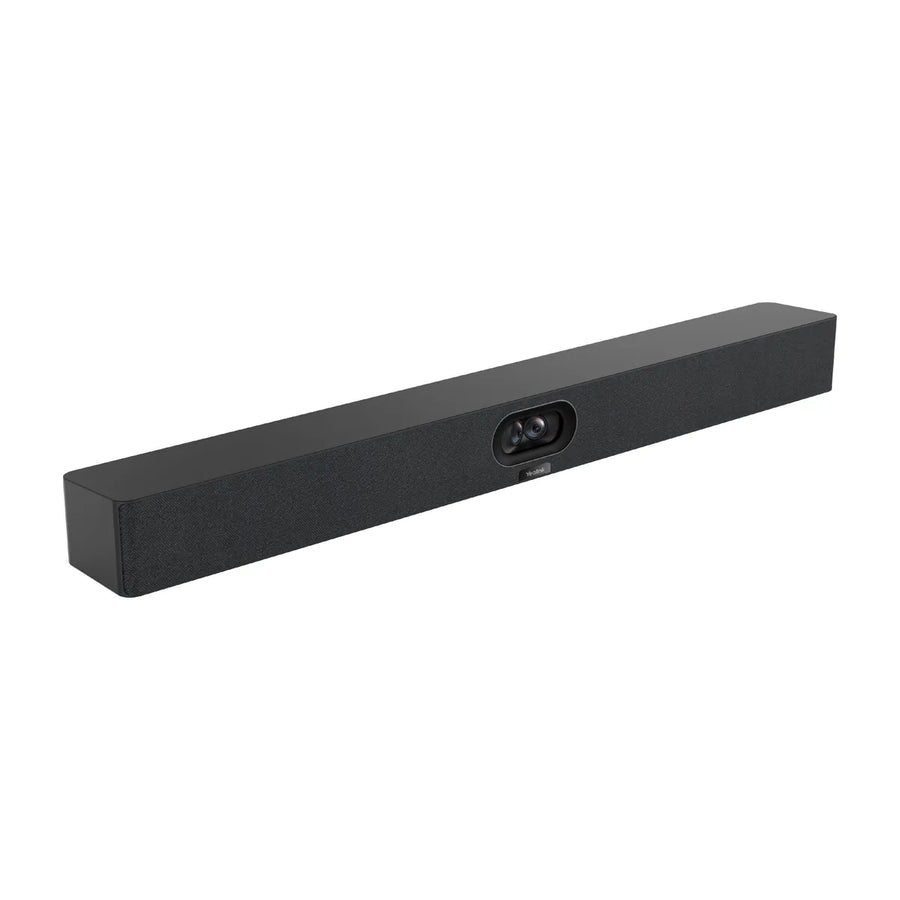
| All-in-one (no PC) | Yealink MeetingBar A40, Logitech Rally Bar Mini, Poly Studio X52 |
| USB camera or bar | Jabra PanaCast 50, AVer CAM520 Pro3, Logitech GROUP (add a room PC) |
| Room PC (for USB options) | Logitech RoomMate, Lenovo ThinkSmart Core Gen 2 |
| Extra audio | Poly Studio A2 Table Microphone, Poly Studio Table Microphone, Yealink CM20 Ceiling Microphone |
| Controller | Poly TC10 Touch Controller, Neat Pad Pro, Neat Pad Generation 2 |
| Scheduling panel (optional) | Logitech Tap Scheduler, Yealink RoomPanel E2 |
| Display | 65–75 inch, or two displays |
| License | Zoom Rooms license per room |
All-in-one options (no PC)
These run Zoom Rooms on the device itself.
| Model | Type | Mode | Price |
|---|---|---|---|
| Yealink MeetingBar A40 | video bar | Appliance + USB | $2,349 |
| Logitech Rally Bar Mini | video bar | Appliance + USB | $3,124 |
| Poly Studio X52 | video bar | Appliance + USB | $3,748 |
| Logitech Rally Bar | video bar | Appliance + USB | $3,859 |
| Neat Bar Generation 2 | video bar | Appliance + USB | $4,790 |
| Yealink MeetingBar A30 | video bar | Appliance + USB | $1,909 |
| Poly G7500 | room system codec | Appliance + USB | $2,161 |
| Poly Studio G62 | room system codec | Appliance | $2,321 |
USB options (add a Zoom Rooms PC)
These connect over USB, so the room needs a certified Zoom Rooms PC such as the Logitech RoomMate or Lenovo ThinkSmart Core Gen 2 to run Zoom Rooms.
| Model | Type | Mode | Price |
|---|---|---|---|
| Jabra PanaCast 50 | video bar | USB | $1,164 |
| AVer CAM520 Pro3 | PTZ camera | USB | $1,682 |
| Logitech GROUP | room kit | USB | $1,049 |
| Lenovo ThinkSmart Bar 180 | video bar | USB | $1,609 |
| AVer VB342 Pro | video bar | USB | $1,826 |
| AVer VC520 Pro3 | room kit | USB | $2,098 |
| AVer CAM550 | PTZ camera | USB | $2,110 |
| Logitech Rally AI Camera | conference camera | USB | $2,499 |
Audio
Most video bars cover this room size on their own; don't add a second speakerphone next to a bar, because two echo-cancelling devices in one room cause echo. For the far end of a long table, add an expansion mic made for your bar: Poly Studio A2 Table Microphone, Poly Studio Table Microphone and Yealink CM20 Ceiling Microphone.
Setup in brief
Add the room in the Zoom admin portal, generate an activation code, enter it on the device, then manage it from the Zoom Rooms section of the portal. Full details: Zoom Rooms · Medium room setup
Want a parts list for your exact room? Get a free room plan.
Related guides
- Microsoft Teams Rooms for medium rooms: equipment and setup
- Zoom Rooms for small rooms: equipment and setup
- Google Meet for medium rooms: equipment and setup
- Microsoft Teams Rooms for small rooms: equipment and setup
- Google Meet for small rooms: equipment and setup
- Conference room setup for both Teams and Zoom
Outfitting several rooms, or reselling? Get a volume quote or apply for wholesale pricing →