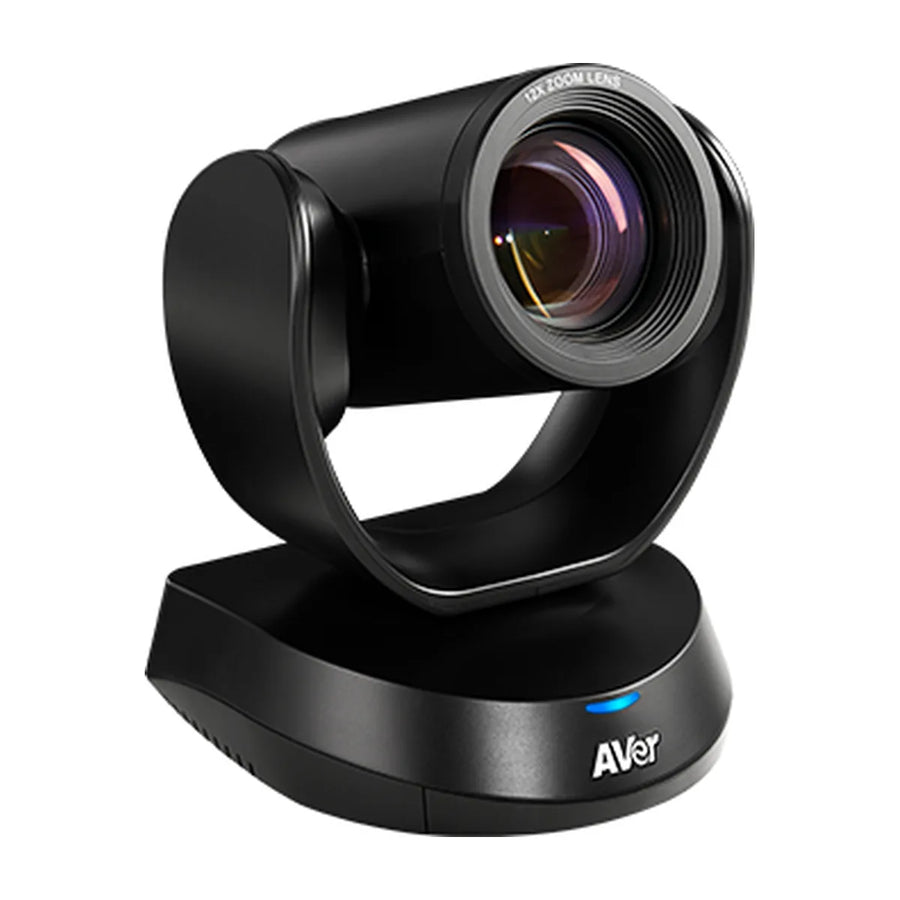
What you need to run Google Meet in boardrooms (16+ people): the video system, audio, controller, display and license, with the models that fit.

The short list
| Item | What fits |
|---|---|
| USB camera or bar | AVer CAM520 Pro3, AVer CAM570, Poly Studio E70 |
| Extra audio | AVer FONE700 |
| Controller | Included with most kits |
| Display | two 86 inch displays or a projector/LED wall |
| License | Google Meet hardware license per device |
USB options (add a Google Meet compute system)
These connect over USB, so the room needs a certified Google Meet compute system (sold separately) to run Google Meet.
| Model | Type | Mode | Price |
|---|---|---|---|
| AVer CAM520 Pro3 | PTZ camera | USB | $1,682 |
| AVer CAM570 | PTZ camera | USB | $2,660 |
| Poly Studio E70 | conference camera | USB | $3,562 |
Audio
In this room size, people at the far end of the table often sit beyond a video bar's built-in pickup, so plan for table or ceiling microphones that work with your system. Options: AVer FONE700.
Setup in brief
Enroll the device in the Google Admin console with a Meet hardware license, assign it to a calendar resource, then manage it from the admin console. Full details: Google Meet · Boardroom room setup
Want a parts list for your exact room? Get a free room plan.
Related guides
Outfitting several rooms, or reselling? Get a volume quote or apply for wholesale pricing →


