
Logitech Swytch
One-cable laptop link to a PC room's camera and display
- Laptop connector
- USB 3.0 Type A and Type C
- Displays
- 1
- Camera passthrough
- Up to 4K/30 fps
- Laptop audio
- Local sharing and online meetings
In-stock orders placed by 2 pm ET ship the next business day.
Outfitting several rooms? Get free room planning and a volume quote →
| Laptop connector | USB 3.0 Type A and Type C (Swytch Connector) |
|---|---|
| Displays | 1, up to 4K/60 fps |
| Camera passthrough | Up to 4K/30 fps |
| Laptop audio | Local sharing and online meetings (where service supports system audio) |
| Compatible cameras | Rally, Rally Plus, Rally Bar, Rally Bar Mini, MeetUp, GROUP and other USB conference cameras |
| Room solutions | Microsoft Teams Rooms, Zoom Rooms, others using USB camera + HDMI display |
| Hub-to-Extender cabling | Included 5 m USB 3.0, or Strong USB 10 m / 25 m |
| Device management | Logitech Sync |
| Swytch Hub dimensions | 27.4 x 164 x 90 mm |
| Warranty | 2 years |
In the box
About the Logitech Swytch
Swytch is a laptop-to-room switching kit for PC-based meeting rooms. A hub at the front of the room sits between the room PC, the USB conference camera and the display. A table-side extender and the Swytch Connector let a guest plug in their laptop by USB-A or USB-C and take over the camera, mics, speakers and display for any service, whether Webex, a webinar tool or a browser meeting.
It uses DisplayLink, so it needs no HDMI or dongles at the table, and it supports 4K60 to the display and 4K30 from the camera. It works with Rally, Rally Bar, MeetUp, GROUP and most other USB cameras, and it's managed in Logitech Sync.
It drives a single display, and Hub-to-Extender runs top out at 25 m with Strong USB. For CollabOS appliance rooms, Logitech Extend is the matching BYOD product.
Good to know
What does Swytch do?
It lets anyone plug a laptop into one connector at the table and take over a PC-based room's conference camera and display, so they can meet, present or stream on any service.
Does it need a room PC?
No. It can also be used in rooms without a dedicated computer, simply connecting laptops to the room's AV devices.
What cable lengths are supported between Hub and Extender?
The included 5 m USB 3.0 cable, or 10 m and 25 m Logitech Strong USB. The 45 m Strong USB is not supported.
Swytch or Extend?
Logitech positions Swytch for PC-based room solutions and Extend for Android and BYOD rooms with the Rally Bar family.

Works with


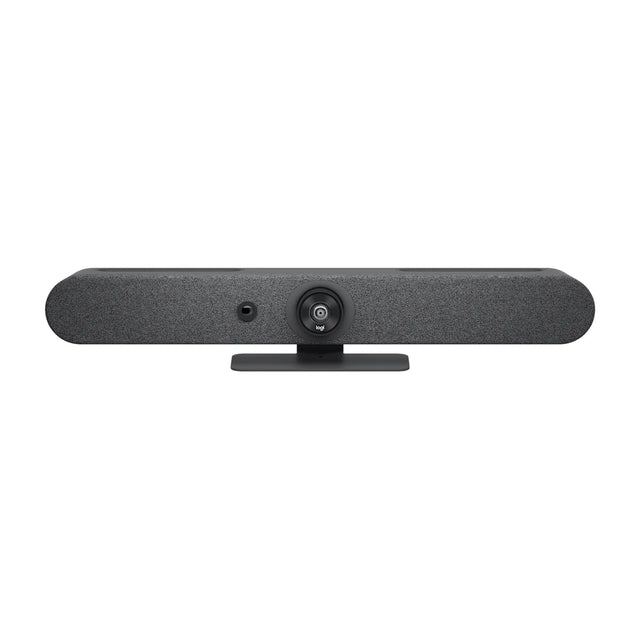
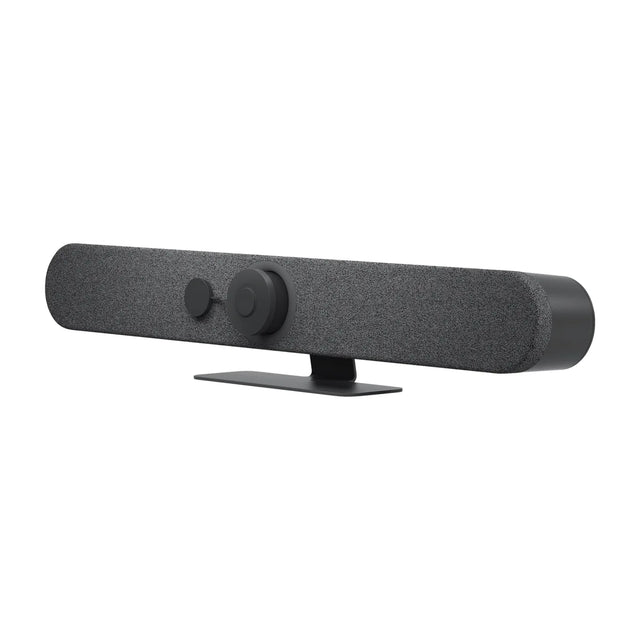


Setup guides and answers
- Logitech Swytch: price and compatibility
- How to connect a laptop to a conference room TV
- Barco ClickShare Alternatives for Wireless Presentation
- What is a wireless presentation system?
- Button and dongle wireless presentation systems explained
- Logitech Extend: price and compatibility
- AVer HUB30 4x2 USB/HDMI BYOM Switch: price and compatibility
- Sharing content in Teams Rooms: HDMI and wireless


