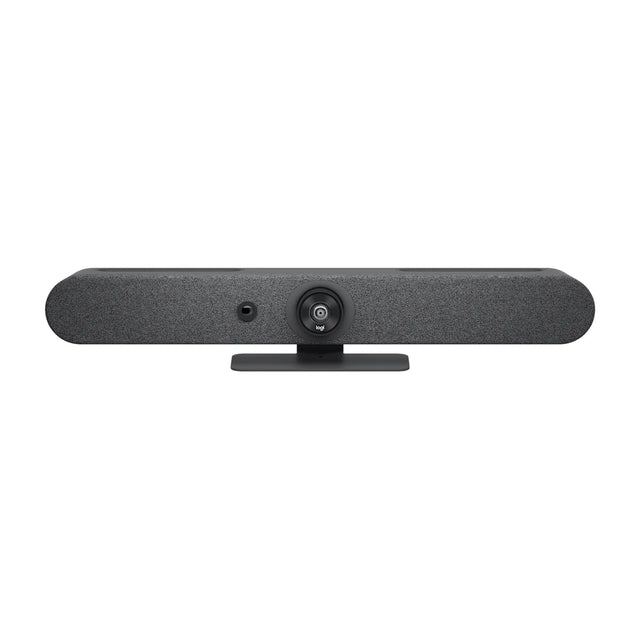
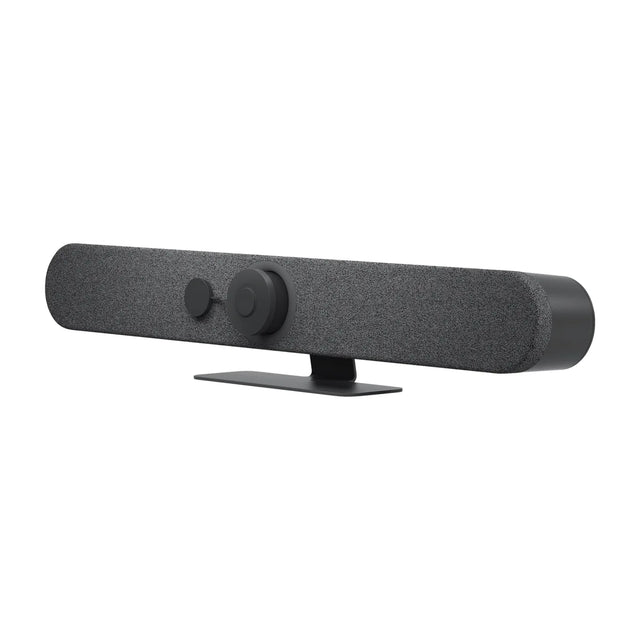
Microsoft Teams Rooms audio is the room's certified microphones and speakers, usually built into a video bar or added as table or ceiling mics, with acoustic echo cancellation handled by the device. Teams adds noise suppression on top; Microsoft's licensing lists AI noise suppression among Teams Rooms Pro features. "Room audio" in a personal Teams meeting means joining with your laptop's audio off so you don't cause echo when you're in a room that already has a Teams Room.

Teams Rooms audio options
| Room size | Audio approach | Examples we carry |
|---|---|---|
| Huddle / small | Video bar's built-in mics and speakers | Teams-certified bars like the Logitech Rally Bar Mini, Poly Studio X32 |
| Medium | Bar plus one or two expansion mics | Logitech Rally Mic Pod, Poly Studio Table Microphone |
| Large | Multiple table mics, separate speakers | Poly Studio A2 Table Microphone, Logitech Rally Plus |
| Boardroom | Ceiling arrays and DSP | AVer FONE700, Poly IP Ceiling Microphone |
Use audio certified for Teams with your Teams Rooms system. See Teams Rooms certified devices.
Echo cancellation (AEC)
Acoustic echo cancellation removes the remote side's voice from your microphones so they don't hear themselves. In a Teams Room:
- Let one device do AEC: the bar, the speakerphone or the DSP. Two echo cancellers in a chain cause choppy or swallowed speech.
- Keep mics and speakers from the same system (for example a Logitech bar with Logitech Mic Pods).
- In pro-AV rooms with a separate DSP, set the DSP to handle AEC and make sure the Teams Rooms default devices point to it.
Noise suppression in Teams Rooms
| Feature | What it does | License |
|---|---|---|
| Built-in device processing | Bars and mics filter fan, HVAC and typing noise in hardware | Hardware feature |
| Teams noise suppression | Teams filters background noise in software | Teams Rooms |
| AI noise suppression | Microsoft's AI-based removal of non-speech noise | Teams Rooms Pro |
Microsoft changes features over time, so check the current Basic vs Pro feature list. Many bars add their own processing, such as Poly NoiseBlockAI and Acoustic Fence or Logitech RightSound, which works regardless of license.
Intelligent audio features
Teams Rooms Pro also includes speaker identification (voice recognition so transcripts attribute who spoke) on supported intelligent speakers or certified mics. See Teams Rooms AI features.
What "room audio" means on Teams
If you join a Teams meeting on your laptop while sitting in a Teams Room, Teams can detect the room (using proximity) and suggest joining with room audio, which turns off your laptop's mic and speaker. That prevents feedback and echo. See Teams Rooms proximity join.
Choosing and setting up Teams Rooms microphones
- Map seats: every seat within the mic's rated pickup range.
- Add expansion mics at the far end of long tables.
- Use ceiling arrays when the table must stay clear or furniture moves.
- Set default mic and speaker in Teams Rooms settings.
- Test with a remote caller from each seat. See how to test a video conferencing system.
For layout and placement, read conference room microphone setup and fix reverb with conference room acoustics.
Unsure how much mic coverage your Teams Room needs? Send us the table layout for a recommendation.
Related guides
- Conference Room Audio Guide: Mics, Speakers and Echo
- Best Conference Room Microphones for Teams and Zoom
- Large Conference Room Audio and Microphone Systems
- What Is Noise Suppression in Meeting Rooms?
- Best Conference Room Audio and Sound Systems by Room Size
- How to Improve Audio in a Large Conference Room
Outfitting several rooms, or reselling? Get a volume quote or apply for wholesale pricing →