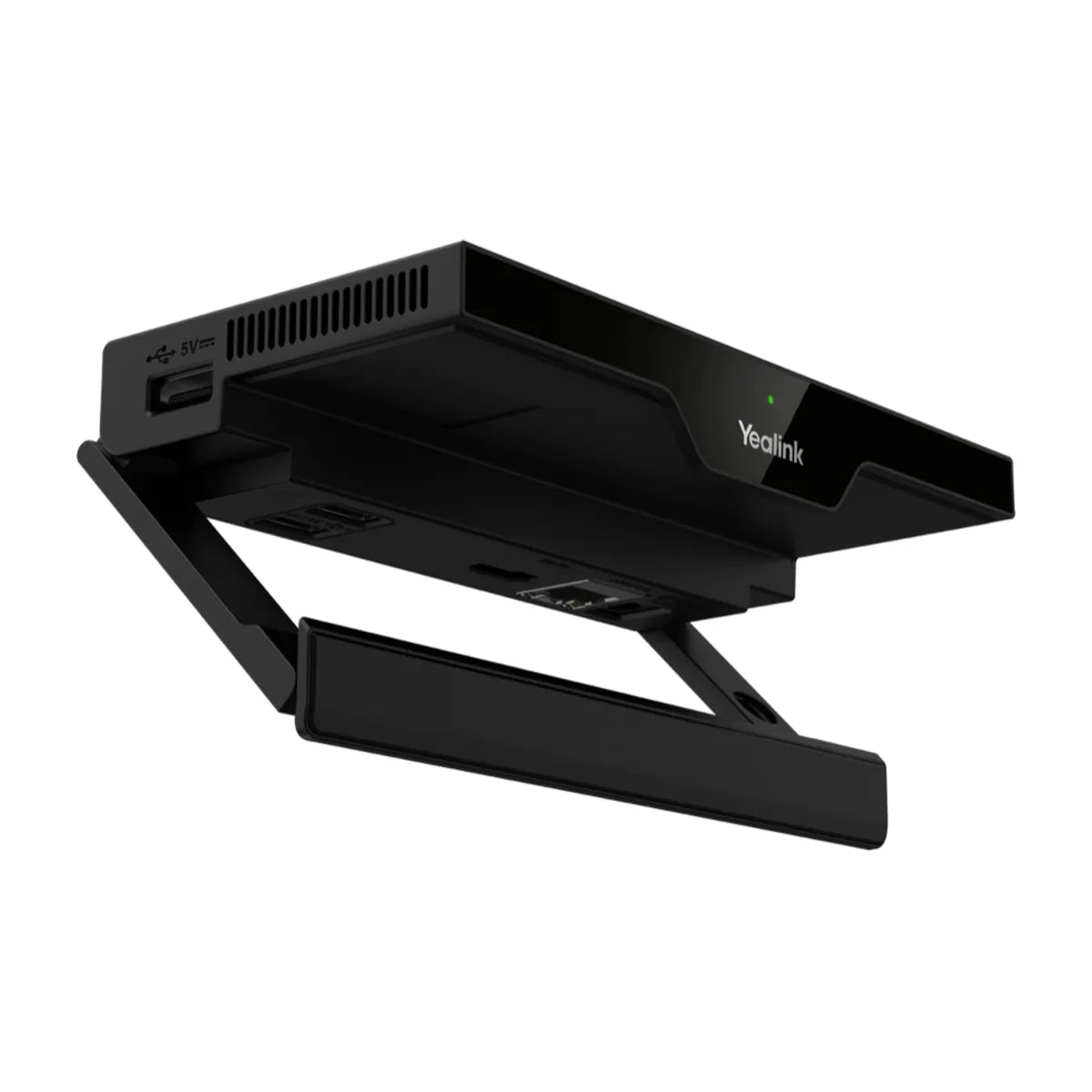
Yealink RoomCast E2
4K60 wireless presentation: AirPlay, Miracast, 4 sources
- Output
- HDMI out 4K/60fps
- Decoder
- 4K/30fps
- Casting
- Yealink Pod
- Simultaneous sources
- Four
Ships within 1 week.
Outfitting several rooms? Get free room planning and a volume quote →
| Output | HDMI out 4K/60fps |
|---|---|
| Decoder | 4K/30fps |
| Casting | Yealink Pod, YeaCast, Miracast, AirPlay |
| Simultaneous sources | Four |
| Wireless | Wi-Fi 6 (2x2 MIMO), Bluetooth 5.0, ultrasonic |
| Ports | 1x HDMI out, 1x Gigabit Ethernet (PoE), 3x USB-A, Kensington slot |
| Power | PoE (IEEE 802.3af) or 12 V adapter |
| Security | LAN-isolated casting, WPA/WPA2-PSK/WPA3, PIN code |
| Dimensions | 145 x 72.5 x 23.5 mm |
| Weight | 0.2 kg |
In the box
About the Yealink RoomCast E2
The RoomCast E2 is a small wireless presentation receiver that plugs into a room display over HDMI. People cast from Windows, macOS, iOS or Android using AirPlay, Miracast or Yealink's YeaCast, and up to four screens can share at once at up to 4K60 output.
It powers over Ethernet, so a single cable runs to the TV, and it can be managed remotely through Yealink's management platforms. Casting stays on the local network, with PIN codes to prevent unwanted streams.
It works in any room, with or without a video system, and replaces the original RoomCast (discontinued February 2025). It is the practical US alternative to the WPP30 pod, which Yealink does not sell in the US.
Good to know
Do users need an app?
No. Windows and macOS users can cast with built-in Miracast or AirPlay; YeaCast and the Yealink Pod are optional.
Can it show several screens at once?
Yes, up to four sources on screen simultaneously.
Is the Yealink Pod available in the US?
Yealink notes its WPP30 pod is unavailable in the US, so plan on AirPlay, Miracast or YeaCast.

Setup guides and answers
- Yealink RoomCast E2: price, specs and setup
- Yealink RoomCast vs RoomCast E2: Differences
- Yealink RoomCast setup and installation guide
- Yealink RoomCast with Microsoft Teams
- Yealink RoomCast Not Working: AirPlay and Miracast Fixes
- How to factory reset a Yealink RoomCast
- Yealink RoomCast default IP and password
- Yealink RoomCast AirPlay and Miracast Setup


