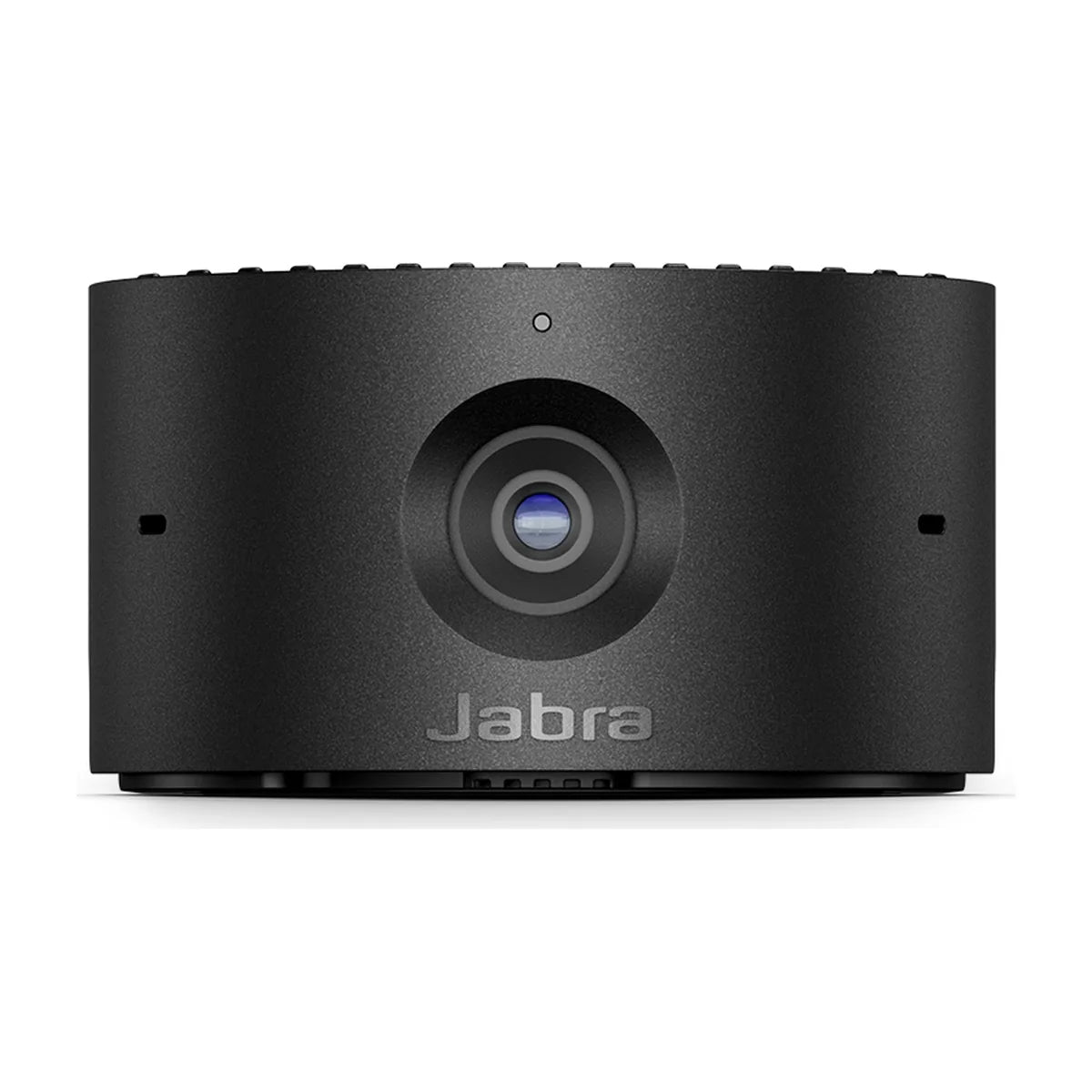
Jabra PanaCast 20
4K personal webcam with Intelligent Zoom and privacy cover
- Camera
- 13 megapixels
- Resolution
- 4K 3840 x 2160 @ 30 fps
- Field of view
- Horizontal 90°
- Zoom
- Up to 3x lossless digital zoom at 720p
Ships within 1 week.
Outfitting several rooms? Get free room planning and a volume quote →
Compare the Jabra PanaCast 20 with other video systems →| Camera | 13 megapixels, 1/3.2" sensor |
|---|---|
| Resolution | 4K 3840 x 2160 @ 30 fps; 1080p @ 30 fps; 720p @ 30 fps |
| Field of view | Horizontal 90°, vertical 75°, diagonal 117° |
| Zoom | Up to 3x lossless digital zoom at 720p |
| Microphones | 3 MEMS |
| Connectivity | USB-C |
| USB | USB 3.0, USB 2.0 (supplying more than 500mA) |
| Dimensions (WxHxD) | 44mm x 25mm x 80mm |
| Weight | 136g |
| Warranty | 2 years |
| Certifications | Microsoft Teams, Zoom |
In the box
About the Jabra PanaCast 20
The PanaCast 20 is Jabra's 4K personal webcam. Its 13 MP sensor and 117° diagonal view, with Intelligent Zoom, Vivid HDR and picture-in-picture, make it a good fit for desks, home offices and focus rooms.
It connects over USB-C, is certified for Microsoft Teams and Zoom, and works with any UC app. It is a personal camera, so for a shared room look at the PanaCast U30 or PanaCast 50.
Good to know
Is it for meeting rooms?
No. It is a personal webcam for a desk or focus space, not a room camera.
Does it work on Mac?
Yes. Jabra lists Windows 11/10/8.1 and macOS 10.15 and later.
Does it have built-in mics?
Yes, three MEMS microphones, though a headset will usually sound better for calls.

Setup guides and answers
- Jabra PanaCast 20: price, specs and setup
- Jabra PanaCast 20 specs, dimensions and weight
- How to set up the Jabra PanaCast 20
- Jabra PanaCast 20 with Teams, Zoom and Google Meet
- Jabra PanaCast 20 not working? Fixes
- Jabra PanaCast 20 firmware update: how to update it
- Jabra PanaCast 20 alternatives compared
- Jabra PanaCast 20 vs Logitech MX Brio: which to buy?


