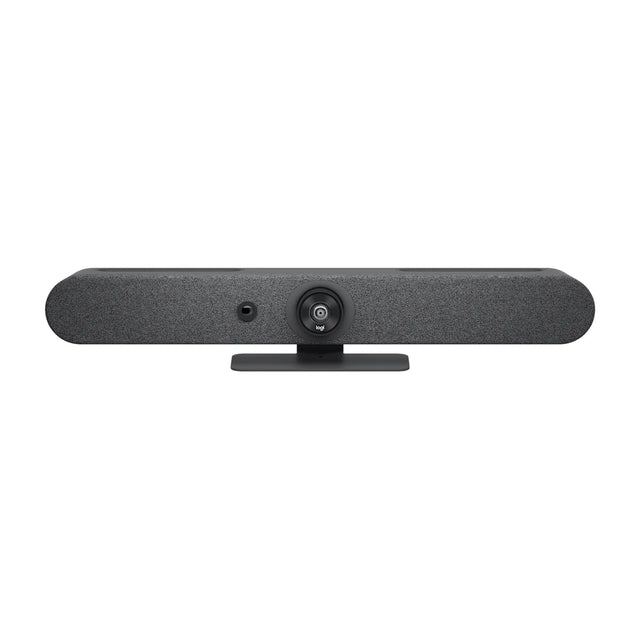
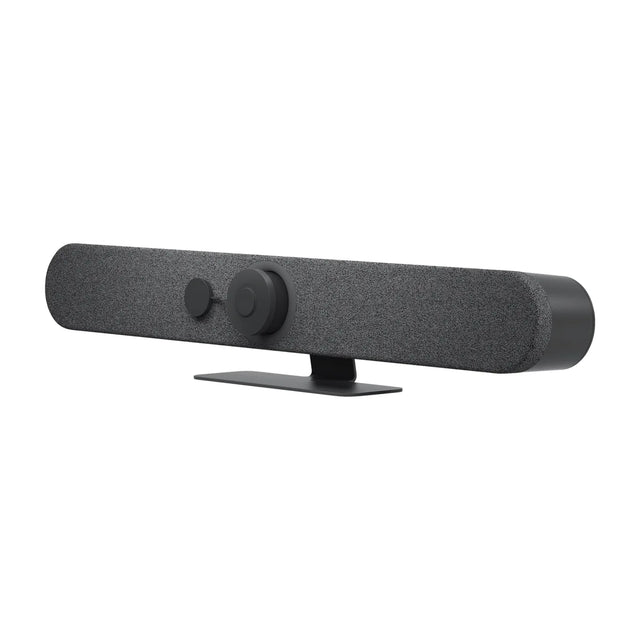
The Logitech Scribe is a whiteboard camera. This guide covers price, Teams, Zoom and Google Meet support, what's in the box, what it works with and how it compares.

Quick facts
| Spec | Detail |
|---|---|
| Price | $1,299 |
| Part number | 960-001332 |
| Works with | Rally Bar, Rally Bar Mini and RoomMate |
| Platforms | Teams, Zoom, Google Meet and BYOD/USB |
| Mode | Appliance + USB |
| Field of view | 148° |
| Power | 100-240V auto-switching power supply |
| Warranty | 2 years |
What is the Scribe?
Scribe is a wall-mounted camera that points at a physical whiteboard and shares it into the meeting as content. Its AI makes the presenter see-through, so remote attendees see the writing even when someone stands in front of the board. A wireless Share Button starts and stops sharing.
It suits any room with a whiteboard up to 6 x 4 ft, from huddle rooms to classrooms. It connects over category cable and is managed in Logitech Sync. In appliance rooms it attaches to Rally Bar, Rally Bar Mini or RoomMate. In PC rooms it works as a USB content camera.
Support varies by platform. Teams Rooms on Android needs a Pro license for content cameras, and multiple Scribes or the physical share button aren't supported everywhere. Check Logitech's Scribe compatibility page for the customer's platform before quoting. Optional accessories include a glass mount and a polarizer for glossy boards.
How much does the Scribe cost?
The Scribe is $1,299. Pricing for multiple rooms, education and government is available on request. See the Scribe price and availability or get a quote for multiple rooms. Price and total room cost
Does the Scribe work with Teams, Zoom and Google Meet?
It runs Microsoft Teams Rooms, Zoom Rooms and Google Meet natively. In USB mode it also works with any app on a laptop. It shares a physical whiteboard as a content feed through the Rally Bar, Rally Bar Mini and RoomMate, or into any app over USB. Platform details
What's in the box
- Camera
- Share Button
- Dongle Transceiver
- 100-240V power supply with international adaptor set
- 5.0 m Cat5e cables x 2
- Cable clips x 2
- Camera installation kit
- Documentation
What it works with
Accessories for the Scribe
- Logitech Polarizer for Scribe: Anti-glare polarizer for Logitech Scribe
- Logitech Scribe Glass Mount: Mount Logitech Scribe on non-drillable surfaces
- Logitech Share Button for Scribe: Spare white Share Button for Logitech Scribe
FAQ
What size whiteboard does Scribe support?
Up to 1.8 m x 1.2 m (6 ft x 4 ft).
Which platforms does Scribe work with?
It integrates as a content camera with Microsoft Teams Rooms on Windows, Google Meet and Zoom Rooms, and works as a USB camera with most other apps.
Does Scribe work in BYOD mode with Rally Bar?
No. When a laptop uses Rally Bar in BYOD mode, only the bar's built-in camera, mics and speakers are passed through.
What do I need for Teams Rooms on Android?
A Microsoft Teams Rooms Pro license (content cameras need it), with Scribe connected to Rally Bar, Rally Bar Mini or RoomMate.
Does the Scribe have a battery?
No. It's powered by its power adapter.
Where is the Scribe manual?
Logitech publishes it: Scribe user manual (PDF).
More Scribe guides
- Scribe: setup guide
- Scribe: troubleshooting
- Scribe: mounting and placement
- Scribe: Teams, Zoom and Google Meet
- Scribe: price and total room cost
- Scribe: full specs
- Scribe: accessories
- Scribe: factory reset
- All Logitech conference cameras compared
Specs are Logitech's published figures. Prices can change.
Related guides
Outfitting several rooms, or reselling? Get a volume quote or apply for wholesale pricing →