How to equip large rooms (10–16 people) for BYOD meetings, where people plug in their own laptop and use any app.

The short list
| Item | What fits |
|---|---|
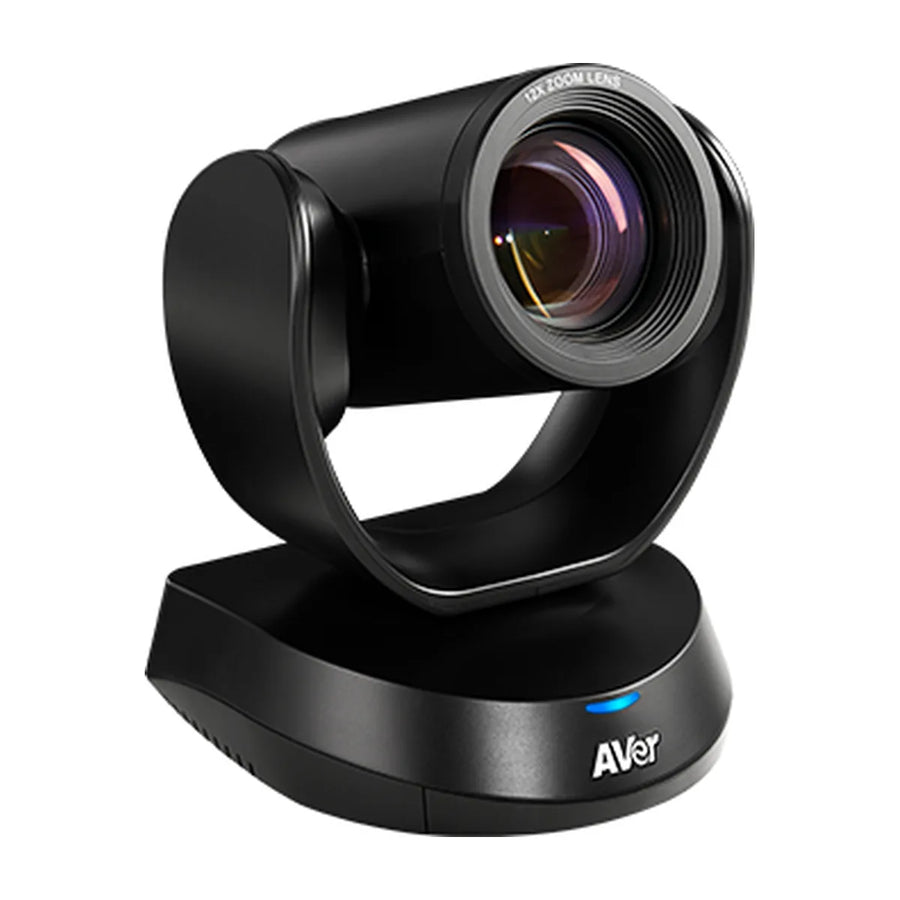
| Camera / video bar (USB) | AVer CAM520 Pro3, Logitech Rally Bar, Logitech GROUP |
| Extra audio | AVer FONE700, Logitech GROUP Expansion Microphones, Yealink CP50 |
| Controller | None needed: the laptop is the controller |
| Display | 75–86 inch, often two displays |
| License | None (users join from their own app) |
Video options for large rooms
| Model | Type | Mode | Price |
|---|---|---|---|
| AVer CAM520 Pro3 | PTZ camera | USB | $1,682 |
| Logitech Rally Bar | video bar | Appliance + USB | $3,859 |
| Logitech GROUP | room kit | USB | $1,049 |
| AVer PTZ211 | PTZ camera | USB | $1,650 |
| Poly Studio E60 | PTZ camera | USB | $1,894 |
| AVer VC520 Pro3 | room kit | USB | $2,098 |
| AVer CAM550 | PTZ camera | USB | $2,110 |
| Poly G7500 | room system codec | Appliance + USB | $2,161 |
Audio
In this room size, people at the far end of the table often sit beyond a video bar's built-in pickup, so plan for table or ceiling microphones that work with your system. Options: AVer FONE700, Logitech GROUP Expansion Microphones, Yealink CP50 and Yealink CP965.
Setup in brief
Run one USB cable (or a USB extender) and HDMI from the table to the camera and display, label the connection point, and test with Windows and Mac laptops. Full details: BYOD · Large room setup
Want a parts list for your exact room? Get a free room plan.
Related guides
Outfitting several rooms, or reselling? Get a volume quote or apply for wholesale pricing →


