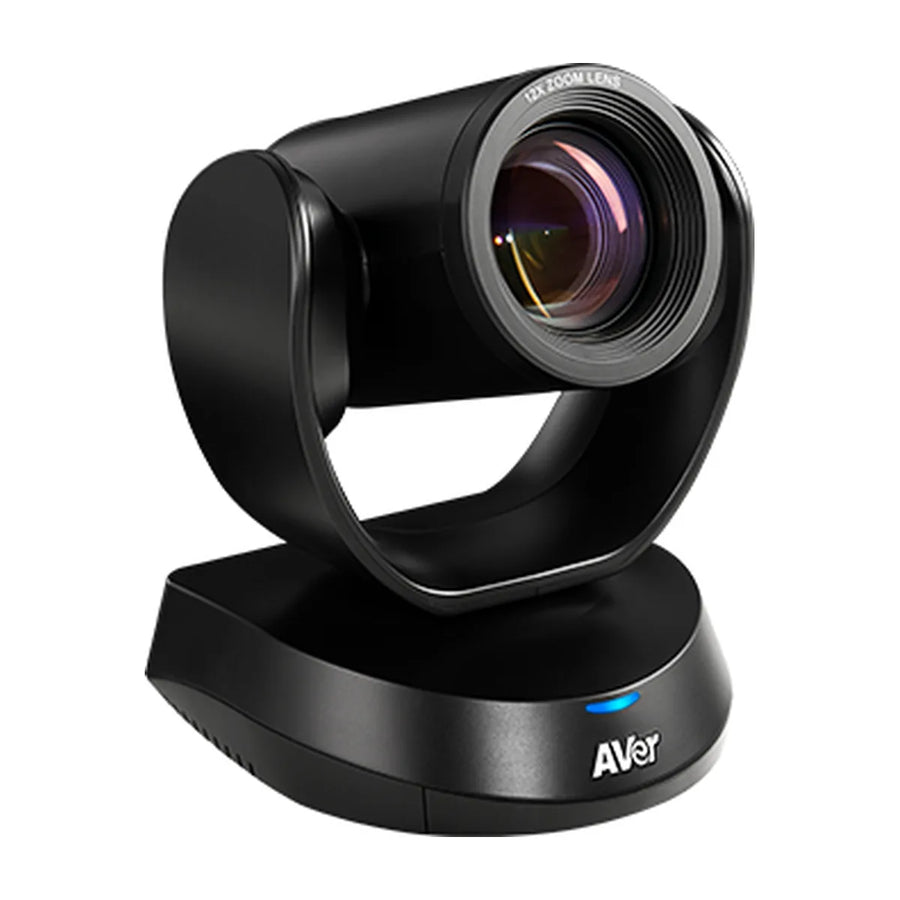
How to log in to the AVer CAM520 Pro3: default username and password, how to find the IP address, and the web interface.

Default username and password
- Find the IP with AVer IP Finder or Room Management; default password aver4321, new account and password required at first login.
How to find the IP address
Use AVer IP Finder (Device Utility) or Room Management to find it on the network; the device uses DHCP by default.
Security tip
Change any default admin password the first time you set up the device, and keep room devices on a managed network segment.
Managing many rooms
For fleets, use AVer's management tools instead of logging into each device:
- AVer Device Utility / AVer IP Finder: find a device's IP on the LAN and change DHCP/static IP
- Device web interface: browse to the device IP; default password aver4321 (account/password must be set at first login)
More CAM520 Pro3 guides
- CAM520 Pro3 buyer's guide: specs and price
- CAM520 Pro3: setup guide
- CAM520 Pro3: troubleshooting
- CAM520 Pro3: mounting and placement
- CAM520 Pro3: Teams, Zoom and Google Meet
- CAM520 Pro3: what room size it covers
- CAM520 Pro3: price and total room cost
- CAM520 Pro3: full specs
- CAM520 Pro3: alternatives compared
- CAM520 Pro3: factory reset
- All AVer PTZ cameras compared
Related guides
- AVer VC520 Pro3 admin login, IP address and settings
- AVer CAM550 admin login, IP address and settings
- AVer CAM570 admin login, IP address and settings
- AVer FONE540 admin login, IP address and settings
- AVer PTZ310UV2 admin login, IP address and settings
- AVer PTZ330UV2 admin login, IP address and settings
Outfitting several rooms, or reselling? Get a volume quote or apply for wholesale pricing →




