What size room the AVer VB350 covers, how many people it suits and when you need extra microphones.

Short answer
We recommend it for medium rooms (6–10 people) and large rooms (10–16 people).
The specs that decide room size
| Field of view | Varifocal 92°/81°/50° (D/H/V); fixed 113°/105°/71° |
| Camera | 4K dual-lens: 3X varifocal PTZ lens + fixed wide lens, 18X zoom |
| Microphones | 14-element beamforming array, 10 meters pickup |
| Speakers | Up to 96 dB SPL at 1/2 m |
How room sizes map to people
| Room type | Typical people | Typical size |
|---|---|---|
| Small | 4–6 | 150–250 sq ft |
| Medium (this one) | 6–10 | 250–400 sq ft |
| Large (this one) | 10–16 | 400–600 sq ft |
| Boardroom | 16+ | 600+ sq ft |
General industry guidance; furniture, room shape and acoustics change what works.
When to add microphones
If people sit beyond the built-in microphones' pickup range, or the table is long, add expansion or table microphones. These work with the VB350: AVer 20m Expansion Microphone.
If your room is bigger or smaller
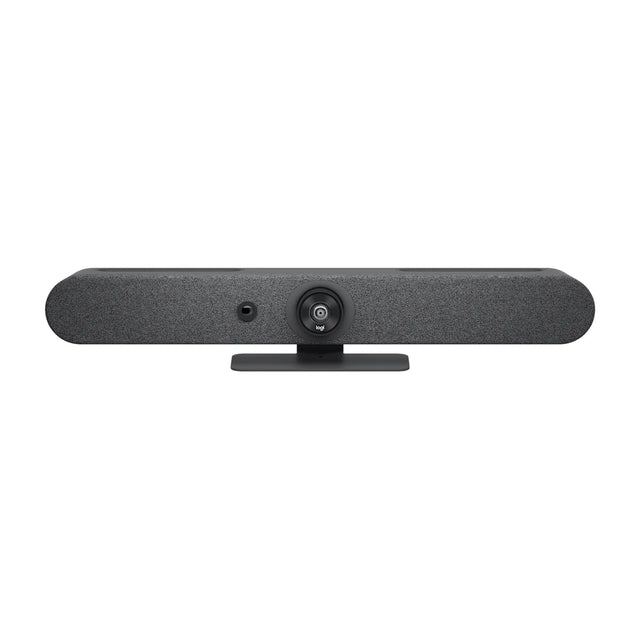
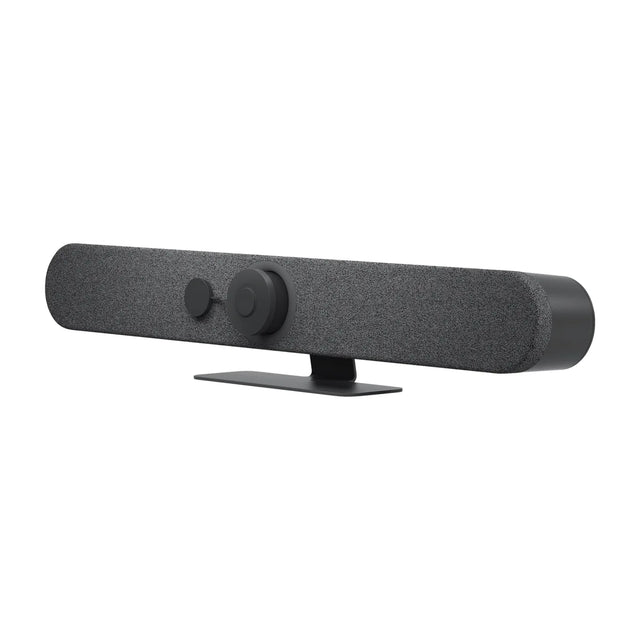
- Smaller room: Logitech Rally Bar Mini (Small, Medium, $3,124)
Not sure? Send us your room dimensions and seat count and we'll recommend a setup. Free room planning
More VB350 guides
- VB350 buyer's guide: specs and price
- VB350: setup guide
- VB350: troubleshooting
- VB350: mounting and placement
- VB350: Teams, Zoom and Google Meet
- VB350: price and total room cost
- VB350: full specs
- VB350: alternatives compared
- VB350: accessories
- VB350: factory reset
- VB350: admin login and settings
- All AVer video bars compared
Related guides
Outfitting several rooms, or reselling? Get a volume quote or apply for wholesale pricing →